Table of Contents
Command Line Interface
Introduction
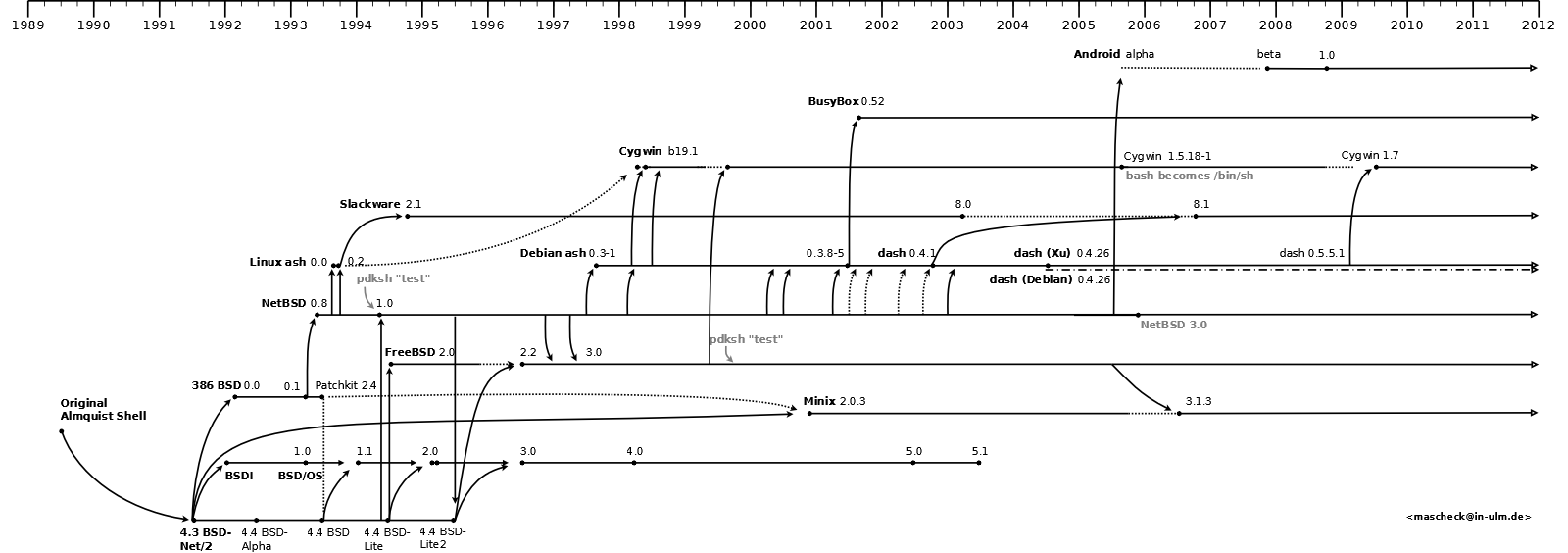
A command-line interface (CLI) is a mechanism for interacting with a computer operating system or software by typing commands to perform specific tasks. This text-only interface contrasts with the use of a mouse pointer with a graphical user interface (GUI) to click on options, or menus on a text user interface (TUI) to select options. The default command-line interface used by minix is Almquist shell (also known as A Shell, ash and sh) which was originally Kenneth Almquist's clone of the SVR4-variant of the Bourne shell; it is a fast, small, POSIX-compatible Unix shell designed to replace the Bourne shell in later BSD distributions.
Function key mappings
| key | Description |
| F1 | Kernel processes table |
| F2 | Processes memory maps |
| F3 | System Image |
| F4 | Processes privileges |
| F5 | Boot monitor parameters |
| F6 | IRQ hooks and policies |
| F7 | Kernel messages |
| F8 | VM status and process maps |
| F10 | Kernel parameters |
| F11 | Timing details (if enabled) |
| Shift + F1 | Process manager process table |
| Shift + F2 | Signals |
| Shift + F3 | Filesystem process table |
| Shift + F4 | Device/Driver mapping |
| Shift + F5 | Print keys mappings |
| Shift + F6 | Reincarnation server process table |
| Shift + F8 | Data store contents |
| Shift + F9 | Processes with stack traces |
Note: Function keys are only valid from the first console (ttyc0).
Useful Command Lines (Shell)
- man man – an interface to the online reference manuals.
- passwd – change (own) password.
- passwd user change the password of user user (root only)
- ls – list directory contents.
- passwd user change the password of user user (root only)
- ls -al – long list
- ls -alt – long list, sorted by modification time
- ls -alS – long list (GNU/Linux only), sorted by file size
- cd directory – change to directory
- cd – change to default/home directory
- pwd – show current directory
- Basic File Utilities
- cp file1 file2 – copy file1 to file2
- rm file1 – remove (delete) file1
- mv file1 file2 move (change) file1 to file2
- mkdir dir make directory dir
- rmdir dir remove directory dir
- More File Utilities
- cat file – read a file
- more file – read a file per screen
- ln -s – file sfile – make a symbolic link from file to sfile
- grep aworld file – search string aword inside file using regular expression
- sort file – sort a file